
The essential real estate virtual assistant tools fall into eight categories: CRM and lead-routing platforms, transaction management and e-signature software, communication and scheduling suites, MLS and listing-data portals, marketing and design platforms, project management systems, workflow automation and AI layers, and credential-security software. A real estate virtual assistant who operates this stack fluently can run lead follow-up, contract-to-close coordination, listing marketing, and inbox triage without constant agent oversight. Mastery of the integrations between these systems, not just the individual apps, is what separates a tech-ready VA from a general admin hire.


Before you compare software, it helps to see how a CRM-integrated, transaction-ready virtual assistant team applies these platforms inside live brokerage workflows. This guide breaks down each layer of the stack, shows what a skilled assistant actually does inside it, and flags the mistakes that quietly drain agent time.
What Are Real Estate Virtual Assistant Tools?

Real estate virtual assistant tools are the software platforms a remote assistant uses to manage leads, transactions, communication, marketing, and administration on behalf of an agent or brokerage.
Think of the stack as an operating system for your back office. Each tool handles one job, and the VA connects them so nothing falls through the cracks.
Here is the quick answer. A complete stack includes:
- CRM and lead management: stores contacts, triggers follow-up, and tracks every pipeline stage.
- Email, calendar, and communication: keeps the agent reachable and the schedule clean.
- Transaction management and e-signature: moves contracts from offer to closing.
- MLS, listing, and market-data portals: powers listing entry, showings, and comparable analysis.
- Marketing and design: produces social posts, newsletters, and listing collateral.
- Project management: assigns, tracks, and documents recurring tasks.
- Automation and AI: removes repetitive manual work.
- Security and access control: protects client data and agent accounts.
Notice what is missing from that list: exotic or expensive software. In fact, most high-performing assistants rely on a handful of mainstream platforms and know them deeply. Depth beats breadth every time.
Why the Right Real Estate Virtual Assistant Tools Change Your Results

Technology adoption in real estate has shifted from optional to expected. According to the National Association of REALTORS® 2026 Technology Report, 81% of agents say saving time is their main reason for adopting new technology, up from 66% a year earlier. The same report found that 63% of agents name the learning curve as their biggest adoption challenge, while 59% point to cost.
Those two obstacles explain why a tech-fluent assistant is so valuable. A VA who already knows your CRM, your e-signature platform, and your scheduling tools removes the learning curve from your plate. Meanwhile, shared subscriptions and role-based access keep cost under control.
Consider the practical gains:
- Faster speed-to-lead: a trained VA responds inside the CRM within minutes, not hours.
- Cleaner data: tagged contacts, deduplicated records, and updated pipeline stages make reporting reliable.
- Fewer missed deadlines: transaction timelines sync to calendars automatically.
- More agent hours on revenue work: showings, listing appointments, and negotiations.
Conversely, a VA who lacks tool fluency creates new work. Agents end up re-entering data, fixing broken automations, and explaining basic navigation. As a result, the hire costs more than it saves.
Real Estate Virtual Assistant Tools at a Glance
Use the table below as a fast reference. It maps each layer to example platforms, the tasks a VA typically owns, and how essential the layer is for a new hire.
| Layer | Example Platforms | Typical VA Tasks | Priority |
|---|---|---|---|
| CRM and lead management | Follow Up Boss, HubSpot, Lofty, Wise Agent | Lead entry, tagging, drip sequences, pipeline cleanup | Essential |
| Email, calendar, communication | Gmail, Outlook, Google Calendar, Calendly, Slack, Zoom, OpenPhone | Inbox triage, scheduling, call logging, client updates | Essential |
| Transaction management and e-signature | Dotloop, SkySlope, DocuSign, Lone Wolf Transactions | File setup, deadline tracking, signature chasing | Essential |
| MLS, listing, and data portals | Local MLS, RPR, ShowingTime, Matterport | Showing coordination, CMA prep, listing data checks | High |
| Marketing and design | Canva, Mailchimp, Buffer, Meta Business Suite, Google Business Profile | Social calendars, newsletters, just-listed graphics, review requests | High |
| Project management | Trello, Asana, ClickUp, Notion | Task boards, SOP libraries, weekly reporting | High |
| Automation and AI | Zapier, Make, ChatGPT, Claude, Otter.ai | Workflow triggers, draft copy, call summaries | Growing |
| Security and access control | 1Password, Bitwarden, authenticator apps | Credential vaulting, MFA setup, offboarding | Essential |
Priorities shift with the size of your business. For instance, a solo agent may skip dedicated project management software at first, whereas a team lead needs it on day one.
CRM Software: The Command Center of Your Real Estate VA Tools
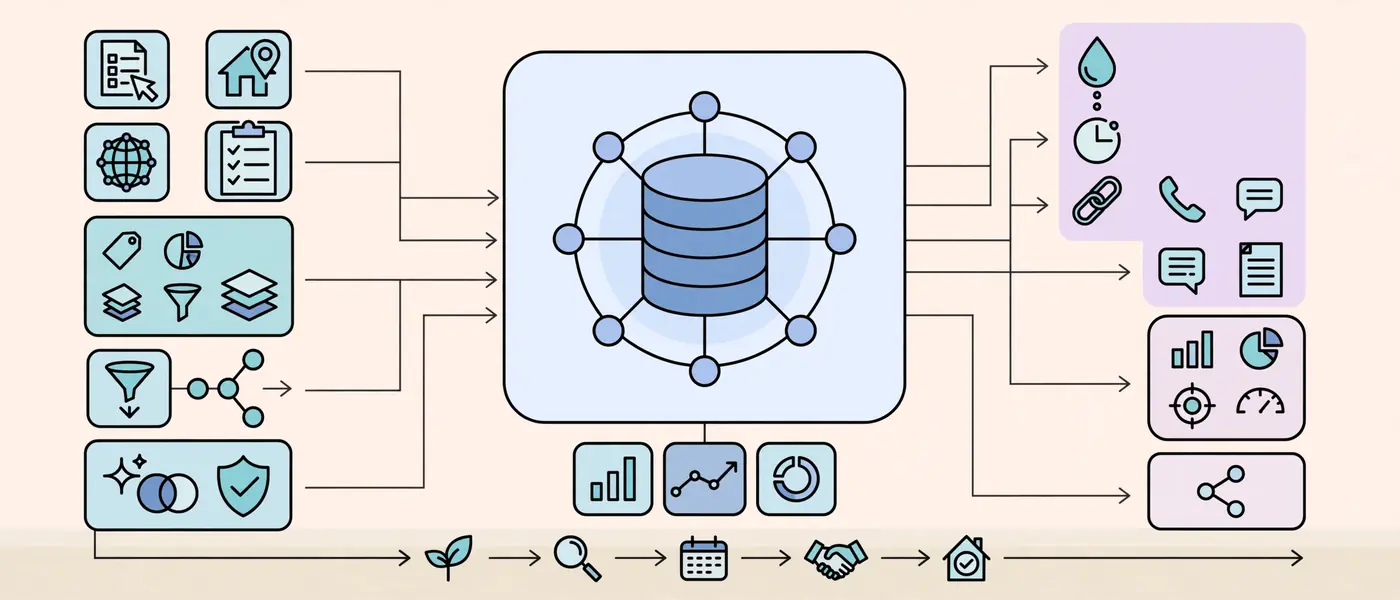
Every other layer feeds into the CRM, so it deserves the most attention. A customer relationship management platform stores each lead, conversation, and next step in one searchable record.
Popular choices include Follow Up Boss, HubSpot, Lofty, and Wise Agent. Each platform differs in design, yet the core skills transfer from one to another.
What a Skilled VA Does Inside the CRM
A capable assistant handles the daily mechanics that agents rarely have time for:
- Imports and routes new leads from portals, website forms, and open house sign-in sheets.
- Tags and segments contacts by source, price range, timeline, and stage.
- Builds and maintains drip sequences for new leads, past clients, and sphere-of-influence contacts.
- Logs calls, texts, and notes so the agent can review context in seconds.
- Cleans duplicates and outdated records to keep reporting accurate.
For a deeper walkthrough, read how a VA keeps your CRM clean and your leads moving. It shows the exact habits that prevent lead leakage.
CRM Skills to Look For
- Smart lists and saved filters
- Action plans or automated follow-up sequences
- Lead-source tracking and attribution
- Pipeline stage definitions that match your sales process
- Reporting dashboards for conversion and response time
Importantly, ask the VA to describe a time they fixed a messy database. Specific answers reveal real experience far better than a list of software names.
Email, Calendar, and Communication Tools Every Real Estate VA Needs

Agents live in their inboxes, and communication tools shape the client experience. Consequently, this layer is the first one a new assistant touches.
Email and Calendar
Most agents run on Gmail with Google Workspace or on Outlook with Microsoft 365. A VA should manage delegate access, labels, filters, signatures, and shared calendars without breaking the agent’s existing setup.
Scheduling links add another efficiency gain. Calendly or a similar booking tool lets buyers and sellers pick a time without a back-and-forth chain of messages. Furthermore, the VA can build round-robin or buffer rules that protect the agent’s focus time.
To see this workflow in action, explore the inbox management workflow that assistants use to sort priority messages from noise.
Phone, Text, and Video
- Cloud phone systems such as OpenPhone, Aircall, or RingCentral give the VA a business line without exposing the agent’s personal number.
- Slack or Microsoft Teams keeps internal questions out of email.
- Zoom or Google Meet handles listing presentations and buyer consultations.
- Loom records short walkthrough videos for process handoffs and client updates.
A quick compliance reminder: calling and texting rules, including consent and Do Not Call requirements, apply to outreach. Therefore, every VA should follow the agent’s broker-approved scripts and consent practices.
Transaction Management and E-Signature Platforms
Once a client says yes, the paperwork begins. This layer protects the deal, and it is where careless tool use causes the most expensive errors.
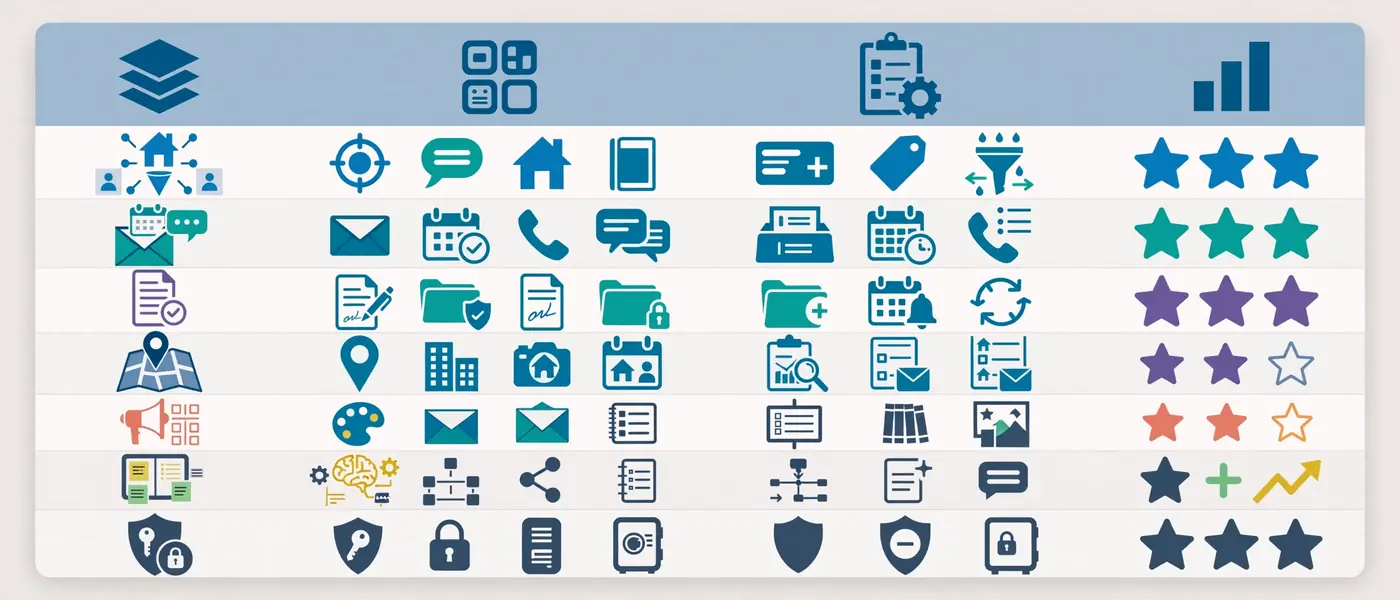
Common platforms include Dotloop, SkySlope, DocuSign, and Lone Wolf Transactions. Brokerages often mandate one of them, so a VA should adapt quickly to whatever the office uses.
What a Transaction-Ready VA Handles
- Opens the transaction file and uploads the executed contract.
- Builds the deadline calendar from key dates such as inspection, appraisal, financing, and closing.
- Requests documents from lenders, title companies, and clients.
- Sends and tracks signature requests until every party completes them.
- Runs the compliance checklist before the broker reviews the file.
- Archives the closed file in a consistent folder structure.
Where the Boundaries Sit
A virtual assistant supports the process; the licensed agent leads it. Licensing rules vary by state, so VAs generally stay on administrative work: coordinating, organizing, and reminding. They do not give legal advice, interpret contract terms for clients, or negotiate on the agent’s behalf. Always confirm the exact limits with your broker.
Good transaction habits also include a standard cloud folder system in Google Drive or Dropbox. Naming conventions such as “Address_Client_Document_Date” make any file findable in seconds.
MLS, Listing, and Market-Data Tools
Listings drive attention, and accurate data drives trust. Therefore, this layer of real estate virtual assistant tools supports both marketing and pricing.
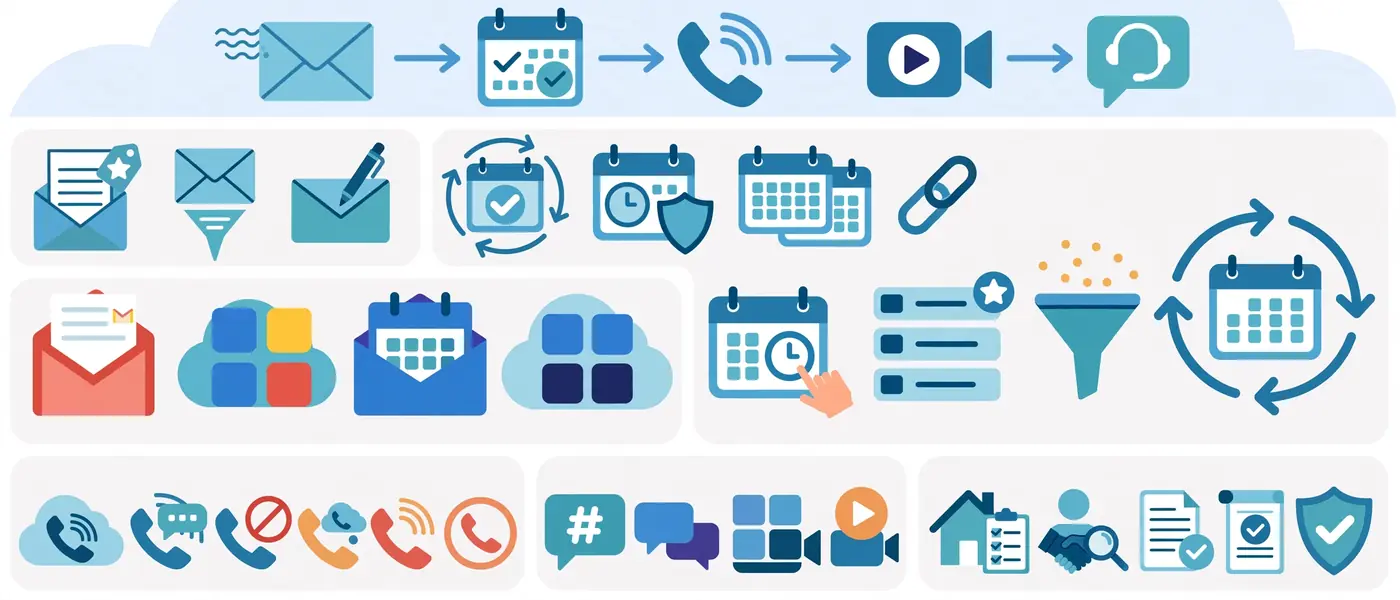
Core Platforms
- Local MLS systems: the source of truth for listing data. Access and data-entry rules differ by MLS, so confirm what an assistant may do under the agent’s credentials and the MLS’s policies.
- RPR (Realtors Property Resource): supports property research and comparable analysis for REALTORS®.
- ShowingTime and similar tools: centralize showing requests, approvals, and feedback.
- Matterport and virtual tour platforms: help buyers preview homes remotely.
Practical VA Tasks
- Pre-filling listing details from the agent’s intake form for review
- Preparing draft comparable market analyses for the agent to finalize
- Coordinating showing requests and collecting buyer feedback
- Checking that listing syndication matches the MLS record
- Tracking price changes and status updates for active clients
In addition, a VA can set saved searches for buyers and send curated listing digests. Such a service keeps the agent’s name in front of clients between conversations.
Marketing, Design, and Social Media Tools
Consistent marketing wins the long game, yet agents rarely have time to execute it. A tech-ready assistant fills that gap with a reliable content engine.
The Marketing Toolkit
| Tool Type | Example Platforms | VA Output |
|---|---|---|
| Design | Canva, CapCut | Just-listed graphics, open house flyers, short video edits |
| Email marketing | Mailchimp, Constant Contact | Monthly newsletters, market updates, listing alerts |
| Social scheduling | Buffer, Later, Meta Business Suite | Planned posts across platforms |
| Local visibility | Google Business Profile | Updates, photos, and review-request workflows |
Brand consistency matters here. Therefore, set up a shared Canva brand kit with approved fonts, colors, logos, and headshots so every asset looks professional.
Some agents wonder whether to hire a marketing specialist or a generalist assistant. This comparison of a marketing-focused VA and a social media manager helps you decide which role fits your goals.
Fair Housing Awareness
Every piece of ad copy must respect Fair Housing rules. Consequently, the agent or broker should review listing descriptions and promotional language before publishing, especially when drafts come from AI tools.
Project Management, Time Tracking, and Reporting Tools
Without structure, remote work becomes guesswork. Project management tools give both sides a shared view of priorities, progress, and deadlines.
Task Boards and SOP Libraries
Trello, Asana, ClickUp, and Notion all work well. The best choice is the one the agent will actually open each morning.
A strong setup usually includes:
- A daily task board with columns for To Do, In Progress, Waiting, and Done
- Recurring task templates for weekly newsletters, CRM audits, and transaction check-ins
- An SOP library documenting each repeatable process step by step
- A weekly summary that lists completed work, pending items, and questions
Written procedures also protect continuity. If the VA ever changes, the next person can pick up the work immediately.
Time Tracking
Tools such as Toggl, Clockify, or Hubstaff show where hours go. Reports from these tools make it easy to spot tasks that deserve automation or a different workflow. To understand what typical hours look like, review the daily workload of a real estate VA.
Automation and AI: The Newest Real Estate Virtual Assistant Tools

Automation platforms connect apps so data moves without manual re-entry. AI assistants then speed up drafting, summarizing, and research. Together, they multiply what one assistant can handle.
Workflow Automation
Zapier and Make link thousands of apps through trigger-and-action rules. Here are common real estate examples:
- A new website form submission creates a CRM contact and sends an instant text reply.
- A signed contract triggers a new transaction folder and task checklist.
- A closed transaction adds the client to a past-client nurture sequence.
- A five-star review notification posts a thank-you task to the VA’s board.
AI Writing and Meeting Tools
- ChatGPT, Claude, and similar assistants draft emails, listing descriptions, and social captions for human review.
- Otter.ai and Fireflies transcribe calls and produce summaries with action items.
- Grammarly polishes client-facing messages.
AI works best as a first draft, not a final answer. Likewise, a VA should never paste sensitive client data into public AI tools without the agent’s approval. Human review protects accuracy, privacy, and brand voice.
If you are weighing trained assistants against general outsourced support, this comparison of AI-trained VAs and standard offshore support explains why AI fluency has become a hiring differentiator.
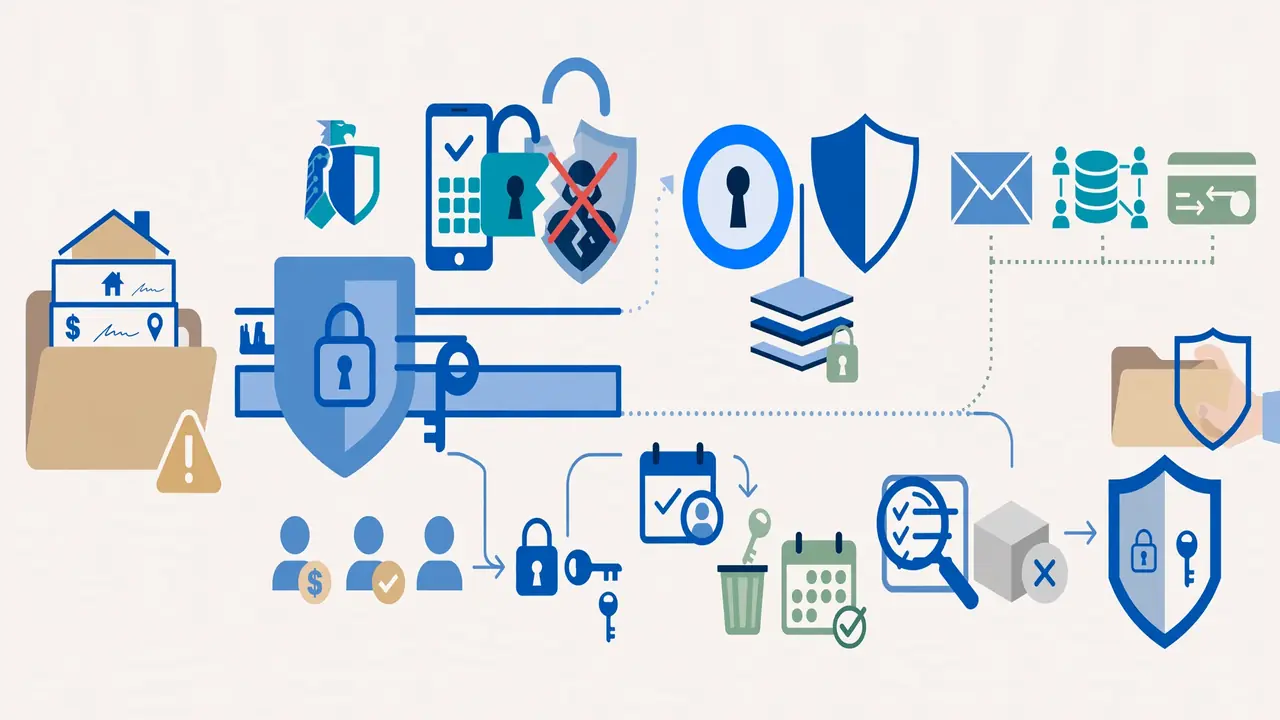
Security and Access Control: The Layer Agents Forget
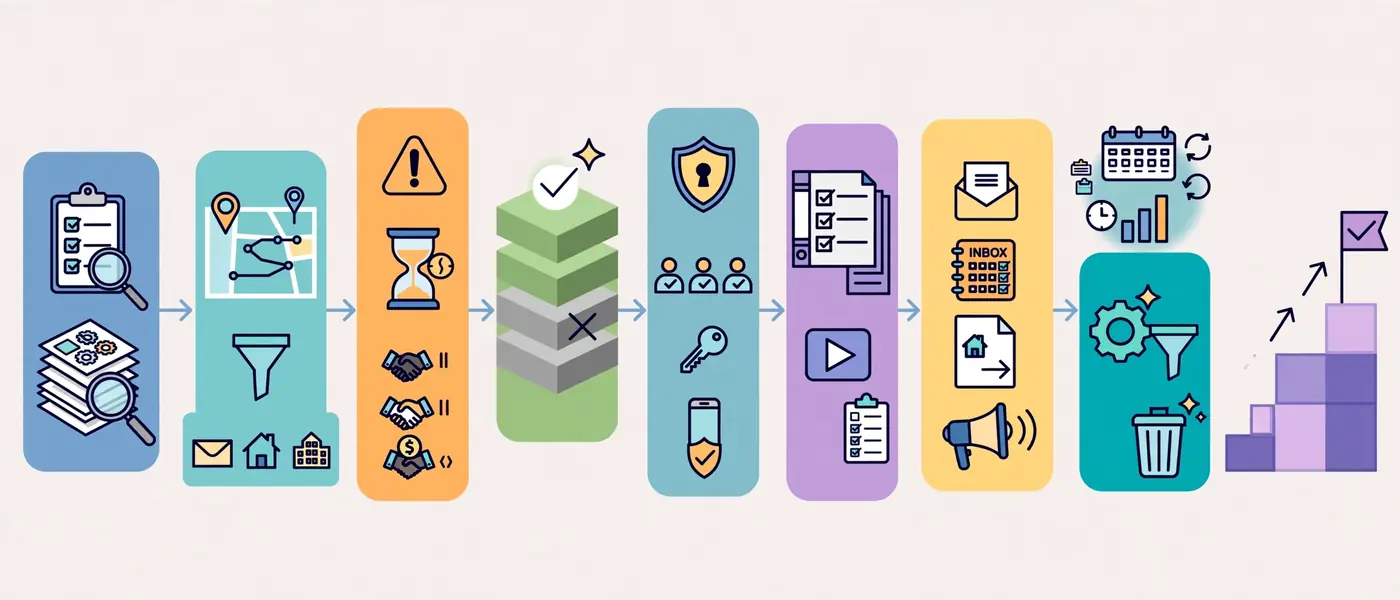
Real estate files contain names, addresses, financial details, and signatures. As a result, a careless access setup creates real risk.
The Federal Trade Commission’s guide to protecting personal information outlines sound practices for businesses that handle sensitive customer data. Meanwhile, the Cybersecurity and Infrastructure Security Agency explains why multi-factor authentication blocks most account takeover attempts.
Security Checklist for Every VA Engagement
- Use a password manager such as 1Password or Bitwarden to share credentials without exposing them.
- Turn on multi-factor authentication for email, CRM, and transaction platforms.
- Grant least-privilege access so the VA sees only what the role requires.
- Use delegate or seat-based access instead of sharing the agent’s personal login.
- Document an offboarding routine that revokes access the same day an engagement ends.
- Review access quarterly and remove unused accounts.
Security habits build trust with clients too. After all, buyers and sellers hand over sensitive information because they expect careful handling.
How to Build a Tech Stack for Your Real Estate Virtual Assistant (Step by Step)

Follow this sequence to assemble a stack without overspending or overcomplicating things:
- Audit your current tools. List every platform you already pay for and note who uses each one.
- Map your workflows. Write down how leads, listings, and transactions move through your business today.
- Identify the bottlenecks. Look for tasks that repeat daily or cause delays.
- Choose one platform per layer. Fewer tools mean fewer logins and fewer errors.
- Set up access correctly. Create seats or delegate permissions and enable multi-factor authentication.
- Document the SOPs. Record short Loom videos and write checklists for each process.
- Onboard in phases. Start with the inbox and CRM, then add transactions and marketing.
- Review monthly. Use the weekly reports to refine automations and retire unused tools.
Patience pays off here. A phased rollout lets the assistant master each layer before the next one arrives.
Recommended Stack by Business Stage
| Stage | Core Stack | Add Next |
|---|---|---|
| Solo agent | Gmail or Outlook, a CRM, Calendly, e-signature, Canva | Password manager, Trello |
| Growing agent | Everything above plus transaction management and email marketing | Zapier, time tracking, Loom |
| Team or brokerage | Team CRM, transaction platform, project management, SOP wiki | Advanced automation, AI call summaries, reporting dashboards |
All-in-One Platform vs Best-of-Breed Stack
Many agents ask whether to buy one integrated platform or assemble separate tools. Both approaches work, but they suit different situations.
| Factor | All-in-One Platform | Best-of-Breed Stack |
|---|---|---|
| Setup speed | Fast, one vendor and one login | Slower, several tools to connect |
| Flexibility | Limited to the vendor’s feature set | High, swap any tool when needs change |
| Learning curve for a VA | One system to learn | Multiple systems, but each is mainstream |
| Integration risk | Low, since everything is native | Moderate, depends on connectors |
| Cost control | Bundled pricing, can include unused features | Pay only for what you use |
| Best for | New agents and small teams | Growing teams with specific needs |
A hybrid often wins. For example, an agent may use an all-in-one CRM for leads and marketing while keeping a separate transaction platform required by the brokerage.
A Day in the Life: How the Stack Works Together
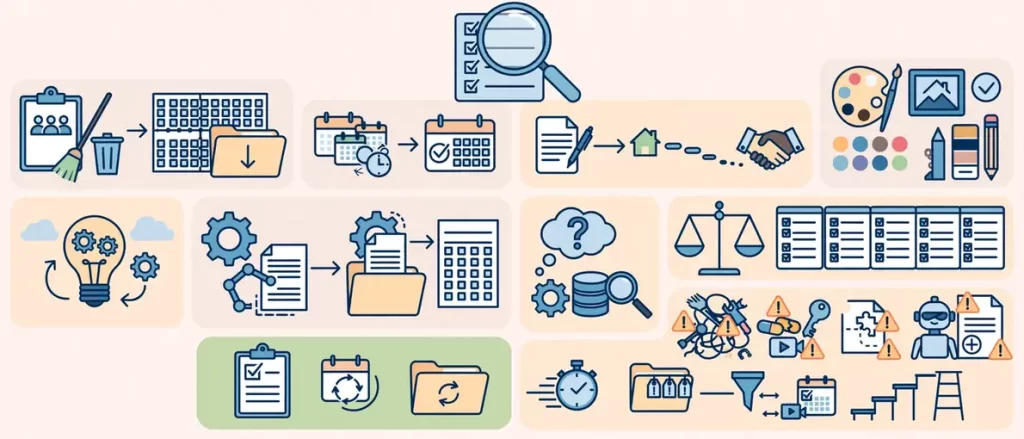
Seeing the tools in motion makes the value obvious. Here is a typical day for a tech-ready assistant:
- Early morning: The VA scans the shared inbox, flags urgent messages, and updates the agent’s calendar.
- Mid-morning: New leads arrive in the CRM. The VA tags them, sends the first response, and schedules a follow-up task.
- Late morning: The VA checks transaction deadlines, requests missing documents, and sends signature reminders.
- Afternoon: The VA drafts a market-update newsletter in Mailchimp and schedules social posts in Buffer.
- End of day: The VA logs hours, updates the task board, and sends a short summary to the agent.
Notice how each step touches a different layer of the stack. Because the tools connect, the agent sees one clear report instead of five scattered updates.
How to Test a Real Estate VA’s Tech Skills Before You Hire
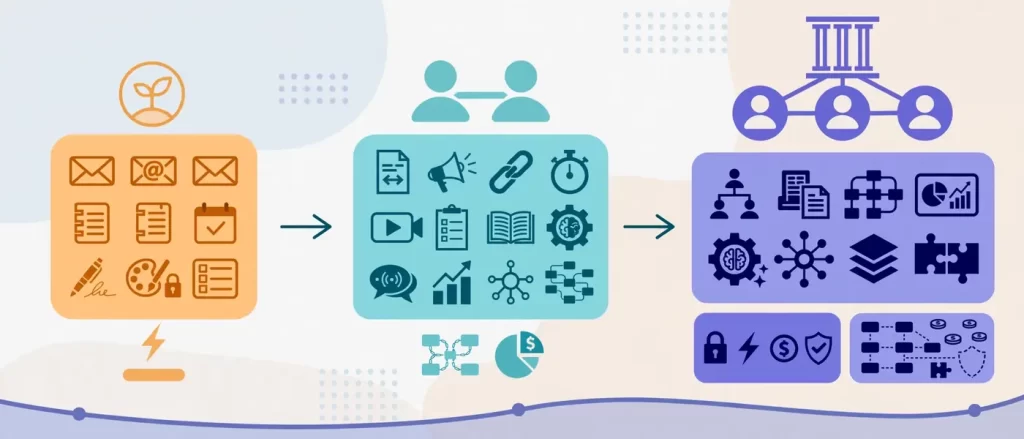
Resumes list software names freely. A short practical test shows who can actually use them.
Try these five tasks:
- CRM cleanup: give a sample spreadsheet of 50 leads with duplicates and ask for a clean import plan.
- Scheduling puzzle: provide three conflicting appointment requests and ask for a resolution email.
- Deadline calendar: supply a sample contract with dates and ask for a transaction timeline.
- Design task: request a simple just-listed graphic using a brand kit.
- Automation thinking: ask which two repetitive tasks they would automate first and why.
Strong candidates explain their reasoning, not just their clicks. In addition, they ask clarifying questions about your systems, which signals real experience. Run the same test with every finalist so the comparison stays fair.
Common Mistakes When Choosing Real Estate Virtual Assistant Tools

Even experienced agents stumble here. Avoid these frequent errors:
- Buying too many tools at once. Overlapping subscriptions create confusion and waste money.
- Sharing one login across the team. Shared passwords hide accountability and complicate offboarding.
- Skipping documentation. Undocumented processes live only in one person’s head.
- Automating a broken process. Automation speeds up whatever already exists, good or bad.
- Ignoring brokerage requirements. Some offices mandate specific CRMs or transaction platforms.
- Neglecting data hygiene. Messy contact records make every report unreliable.
- Trusting AI output blindly. Unreviewed drafts can contain errors or compliance problems.
Expert Tips for Getting More From Your Real Estate VA Tool Stack
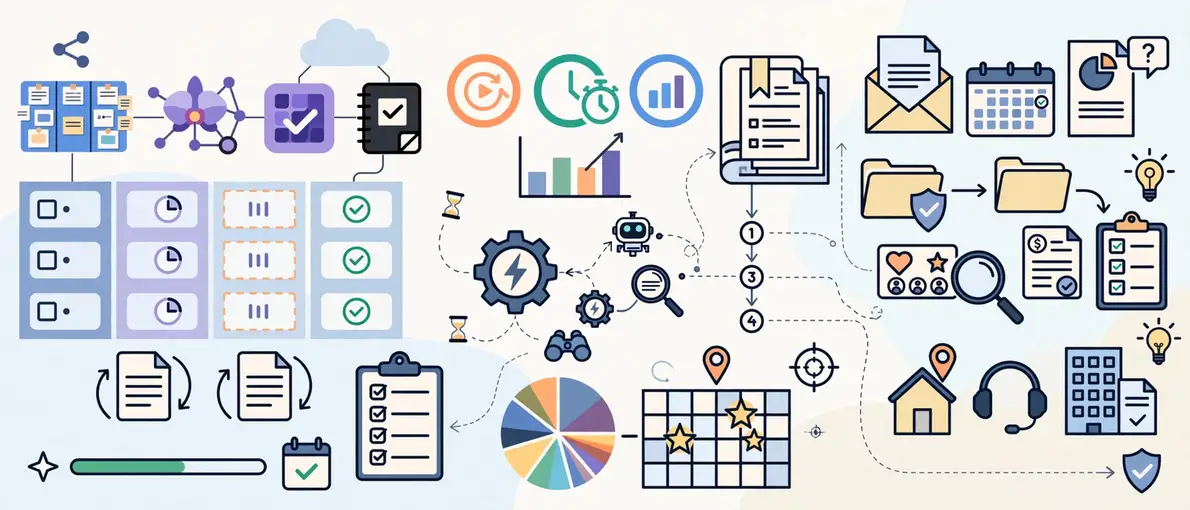
These habits separate efficient operations from chaotic ones:
- Start with outcomes. Define the result you want, such as response time under ten minutes, before choosing a tool.
- Standardize naming. Use the same naming pattern for files, tags, and pipeline stages everywhere.
- Record, don’t explain. A five-minute Loom video beats a long email for teaching a process.
- Schedule a weekly review. Fifteen minutes of agent-VA alignment prevents most mistakes.
- Automate gradually. Add one automation at a time and test it before building the next.
- Keep a tool inventory. Track every subscription, owner, renewal date, and access list.
- Revisit the stack quarterly. Business needs change, and the tools should follow.
Frequently Asked Questions About Real Estate Virtual Assistant Tools
What are the most important real estate virtual assistant tools?
The most important real estate virtual assistant tools are a CRM, email and calendar software, a transaction management platform with e-signature, a password manager, and a design or marketing tool. Together, these cover lead follow-up, scheduling, contracts, security, and content. Project management and automation tools then add structure and speed as your workload grows.
Which CRM should a real estate virtual assistant know?
A VA should know at least one leading real estate CRM, such as Follow Up Boss, HubSpot, Lofty, or Wise Agent. Because CRM logic is similar across platforms, a skilled assistant adapts quickly. Match the platform to your brokerage requirements and lead volume, then train the VA on your pipeline stages.
Do real estate virtual assistants need transaction management software skills?
Yes. A VA who coordinates transactions should be comfortable with platforms such as Dotloop, SkySlope, DocuSign, or Lone Wolf Transactions. These skills help the assistant build deadline timelines, track signatures, and keep compliance files complete. Licensing rules vary, so the VA should stay on administrative tasks.
How much do real estate virtual assistant tools cost?
Pricing varies widely by vendor, plan, and number of users. Most platforms bill monthly per seat, and many offer free or entry-level tiers for small teams. Confirm current pricing with each vendor before you budget.
Can AI tools replace a real estate virtual assistant?
No. AI tools speed up drafting, summarizing, and data entry, but they cannot manage relationships, exercise judgment, or take accountability for deadlines. The strongest setup pairs a human assistant with AI support, so the VA handles strategy and quality while automation handles repetition.
How do I give a VA secure access to my tools?
Use a password manager, enable multi-factor authentication, and assign the VA their own seat or delegate access wherever possible. Grant only the permissions the role requires, and revoke access immediately when the engagement ends. Never share your personal logins directly.
Conclusion: Build Your Real Estate VA Stack Around Outcomes
The right real estate virtual assistant tools turn a remote helper into a reliable extension of your business. A CRM keeps leads alive, transaction software protects deals, communication tools keep clients informed, and automation removes busywork. Security and documentation then hold everything together.
Start small, document everything, and expand the stack as your volume grows. Above all, hire an assistant who understands how these systems connect, not just how they look.
Ready to put this stack to work? Start building a faster, tech-powered real estate support team with RLIVO and give your schedule back to the work that closes deals.